TABLE OF CONTENTS
- When will I receive my certificate after I submit my exam?
- How do I access my certificate if I lost my email?
- Digital badge? What is it?
- How do I share my badge on LinkedIn?
- → Instructions
- How do I embed my credential in an email signature?
- → Instructions
- How do I download or print my certificate?
- → Instructions
- How do I update my name on my credential?
- → Instructions
- How do I update my email address on my credential?
- → Instructions
- How do I change my privacy settings?
- → Instructions
- How can I find my credential again?
- → Instructions
- What happens when my credential expires?
- Your credential will still be visible, but a notification below it will inform viewers that it has expired. The best way to renew your credential is to contact us at support@careerlearning.com
- What happens when my credential expires?
- How do I renew my certification?
When will I receive my certificate after I submit my exam?
All certificates and digital badges are emailed within 5 - 7 days after submission of the exam. Certificates and digital badges are not emailed out if all requirements are not met.
Requirements include:
Passing score of 80% or higher
Exam deadline not exceeded
HR certifications only - SHRM and HRCI mandate a complete viewing of all sessions. *Please ensure all sessions have been viewed in their entirety.
How do I access my certificate if I lost my email?
Go to our online Credential Retrieval Tool.
Please enter the email that you used to earn your credential. It's important that you use the right email address, as this is how we identify your credentials.
Click the 'Retrieve My Credentials’
An email with links to all the certificates that belong to the email address you provided.
Digital badge? What is it?
A digital credential is a secure, verifiable representation of your achievement. It’s always accessible online, easy to share, and tamper-proof.
You can share it on LinkedIn, add it to your resume or email signature, download a printable PDF, and manage privacy settings.
Visual:
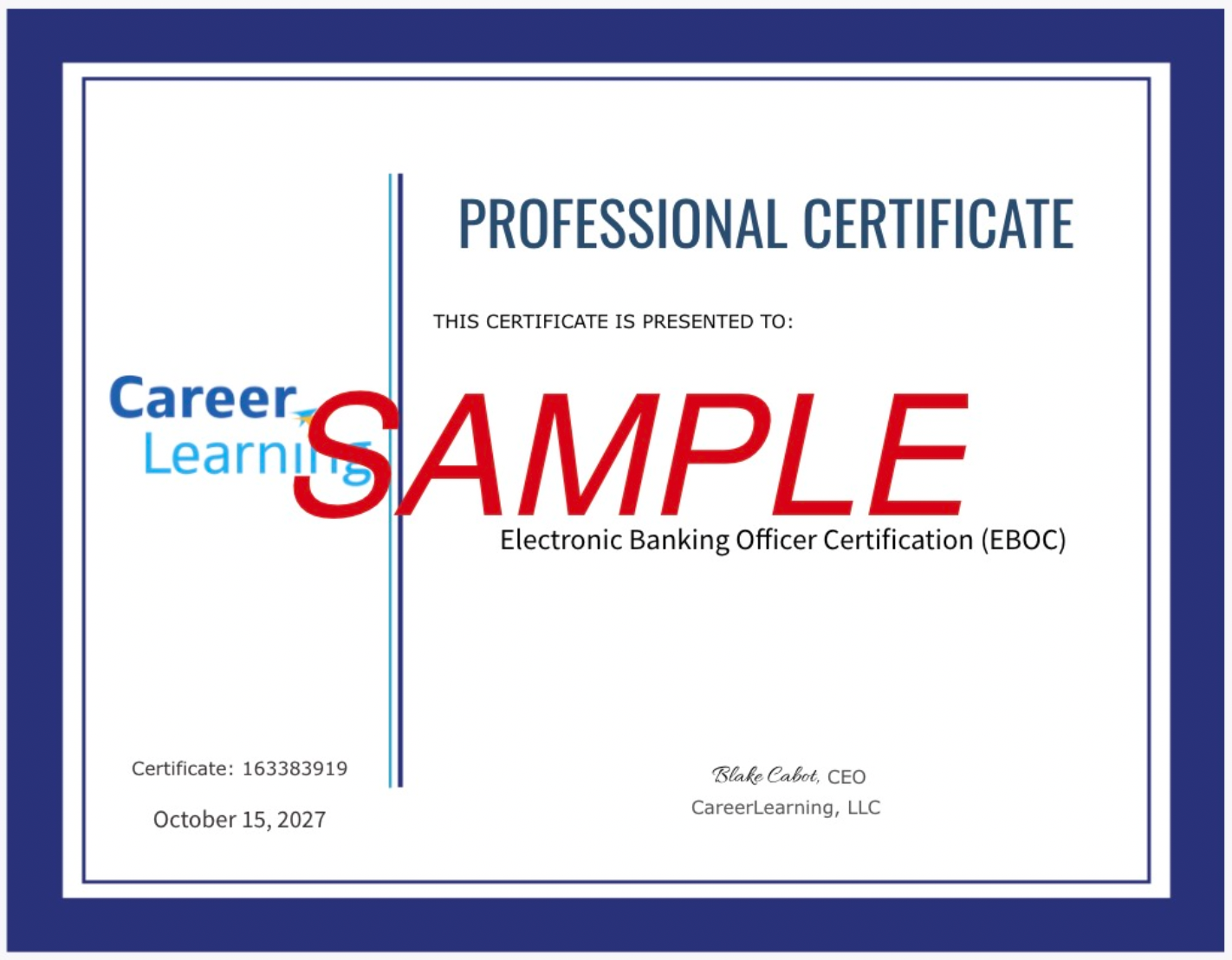
A digital credential is a secure, verifiable representation of your accomplishment. Unlike a paper certificate, it is always accessible online, easily shareable, and tamper-proof.
Why Digital, Not Physical:
Always Accessible: Never lost or damaged.
Easily Shareable: Quickly showcase your achievements.
Privacy Controlled: You decide who sees your achievements.
Printable: High-quality PDF download anytime.
Why Use Your Credential?
Showcase Your Verified Skills: Let employers see real proof of your learning.
Boost Your Professional Brand: Stand out on LinkedIn, resumes, and email.
Expand Your Network: Credential sharing can lead to professional connections.
Support Career Growth: Display your expertise and get noticed for promotions or new roles.
How to Use and Share Your Credential:
Step-by-Step Guide:
Share on LinkedIn: Post about your achievement to your newsfeed and add it to your "Licenses & Certifications" section.
Embed in Your Email Signature: Highlight your success in every email.
Add to Your Website or Portfolio: Strengthen your professional story.
Quick Win: Just 5 minutes updating your LinkedIn can dramatically increase your visibility to recruiters!
Celebrate and Share Your Achievement
Sharing your credential tells the story of your growth and opens doors to new opportunities.
How do I share my badge on LinkedIn?
How do I embed my credential in an email signature?
How do I download or print my certificate?
How do I update my name on my credential?
How do I update my email address on my credential?
How do I change my privacy settings?
How can I find my credential again?
What happens when my credential expires?
Your credential will still be visible, but a notification below it will inform viewers that it has expired. The best way to renew your credential is to contact us at support@careerlearning.com
What happens when my credential expires?
Your credential will remain visible but will be marked as expired.
To renew, submit a request through the Customer Support Portal.
If you’re unable to access the portal, email support@careerlearning.com ⇾ and our team will follow up.
How do I renew my certification?
When renewal is due, purchase the current version of the course, complete the content, and pass the updated exam. Your renewed certification will be valid for 2 more years.
If you have questions about renewal, submit a request through the Customer Support Portal.
If you’re unable to access the portal, support@careerlearning.com ⇾ and our team will follow up.
Was this article helpful?
That’s Great!
Thank you for your feedback
Sorry! We couldn't be helpful
Thank you for your feedback
Feedback sent
We appreciate your effort and will try to fix the article